
A telemetric ECG device. Pocket-sized.
A device for remote transmission of the ECG (electrocardiogram) as sound. It records heart activity and plays it into your phone — on a call, with no internet, or in the app.
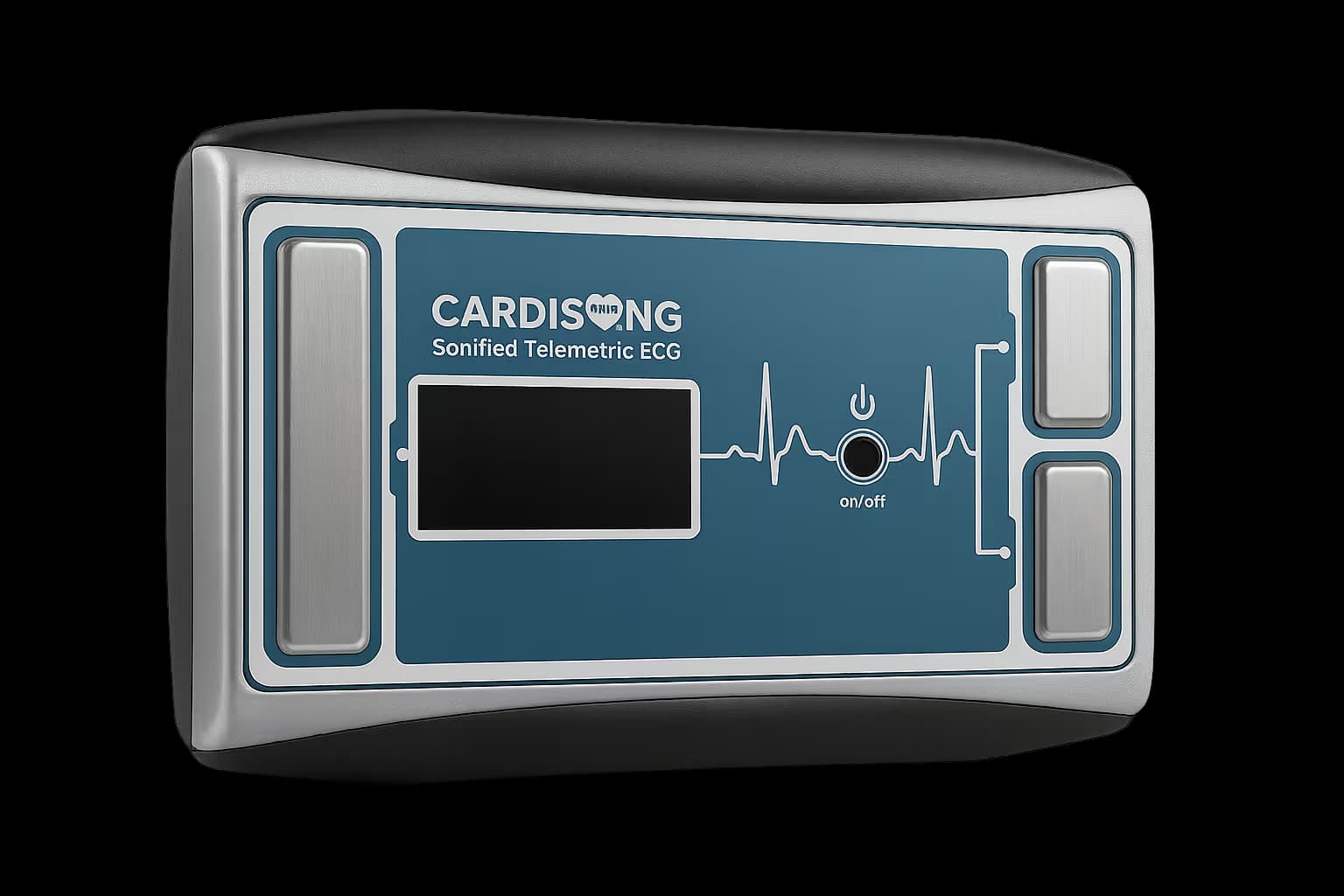
Built for the patient’s everyday life
Sonified ECG transmission
The device records the ECG and plays it as sound into your phone — on a call or in the app. The CardiSong platform converts it back into an ECG.
Sends without internet too
The device needs no internet. A call to the automated line sends the recording without internet; the app needs a connection.
Pocket-sized. Portable.
The lightweight design fits in your palm. Always with you. Use it anywhere — easy for the patient.
Review and opinion by a doctor
Only your doctor and you have access to your recordings. The doctor reads the recording and informs you about your condition.
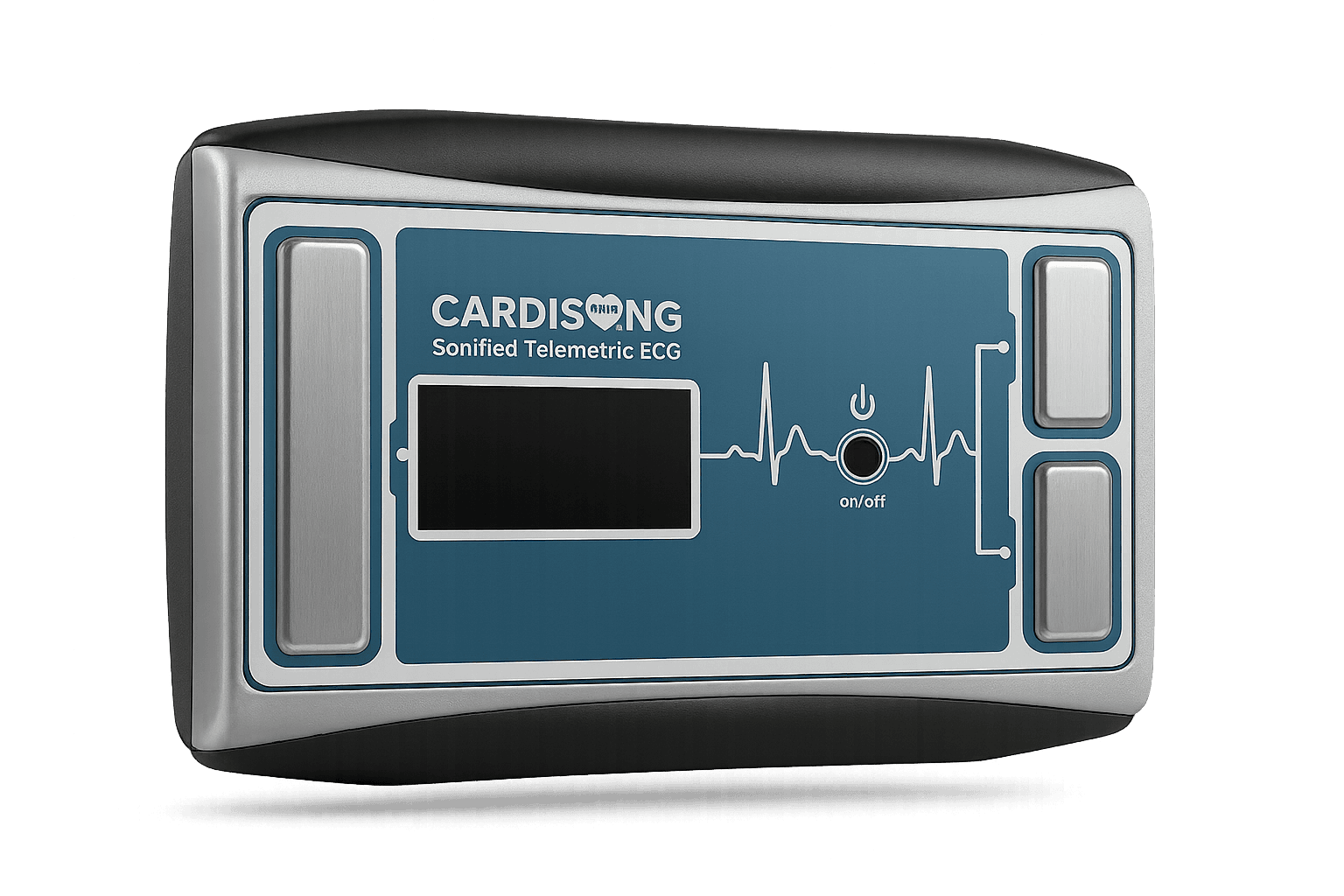
What is inside the device
- Shockproof case with a built-in electronic board
- ECG display
- Audio transmitter
- Slot for 2 AA batteries
- Steel electrodes
- Button — on (start) / off
- Instructions for use · Warranty: 2 years
Medical device. Clinically tested. CE certification (in progress).
What to know about the device
How the CardiSong device works
The device turns the electrocardiogram into sound; your phone and the CardiSong platform take it from there.
Sound instead of a cable
The steel electrodes pick up the electrical activity of the heart, the device records it, and the built-in audio transmitter plays it as an audio signal. Your phone carries that sound, and the CardiSong platform converts it back into an ECG. That is why there are no cables, no Bluetooth pairing, and the device itself needs no internet.
Two positions of the device
You place the fingers of both hands on the electrodes, or hold the device against your chest at the spot your doctor has chosen. Before the first use your doctor shows you how the device works and tells you when to record.
Recording at home, at work or on the road
The device is pocket-sized and, unlike a Holter, is not worn attached to the body. You carry it in a pocket or a bag and record when your doctor has asked you to or when you feel symptoms — somewhere calm and quiet.
The device records for about 20 seconds and stores the recording. While it plays it back, the bottom of your phone stays 2–3 cm from it. The app checks the sound quality and will not send a recording captured unreliably — you play it again.
How the recording reaches your doctor
The recording reaches the platform by one of three routes.
Automated phone line
A call to 02 4929 309. No internet needed; it only accepts calls from the number in your profile.
Mobile app
Sends the audio file encrypted over the internet. With no connection the recording is kept and sent later.
Web platform
Recording through the browser. Not every browser allows microphone access, so the app and the line are the more reliable routes.
In the app, the device is linked to your profile through the QR code on its back and can be removed at any time. Only your doctor and you have access to your recordings.
What the device does not replace
CardiSong records heart activity only while a recording you started is running. It does not provide continuous monitoring and does not replace a prescribed Holter study or a standard 12-lead ECG.
The device and the platform do not diagnose. CardiSong records, transmits and organises the ECG recordings; reading them and giving an opinion remain your doctor’s work.
Where can I buy the device
From your doctor
Ask the doctor who follows you with CardiSong.
From a medical facility
Ask your doctor or a medical facility that works with CardiSong.
From our team
Write to us and we will guide you through the next steps.
Ask your doctor or a medical facility that works with CardiSong. For availability and pricing, contact our team.